Ultimate IPTV
A downloadable app
IPTV is built as a native desktop application with no Electron runtime, embedded browser, web frontend, or JavaScript framework underneath the interface.
It is designed to start quickly, stay responsive, and make navigating large IPTV libraries feel immediate. Catalog data is cached locally so channels, movies and series can be browsed quickly after the initial load.
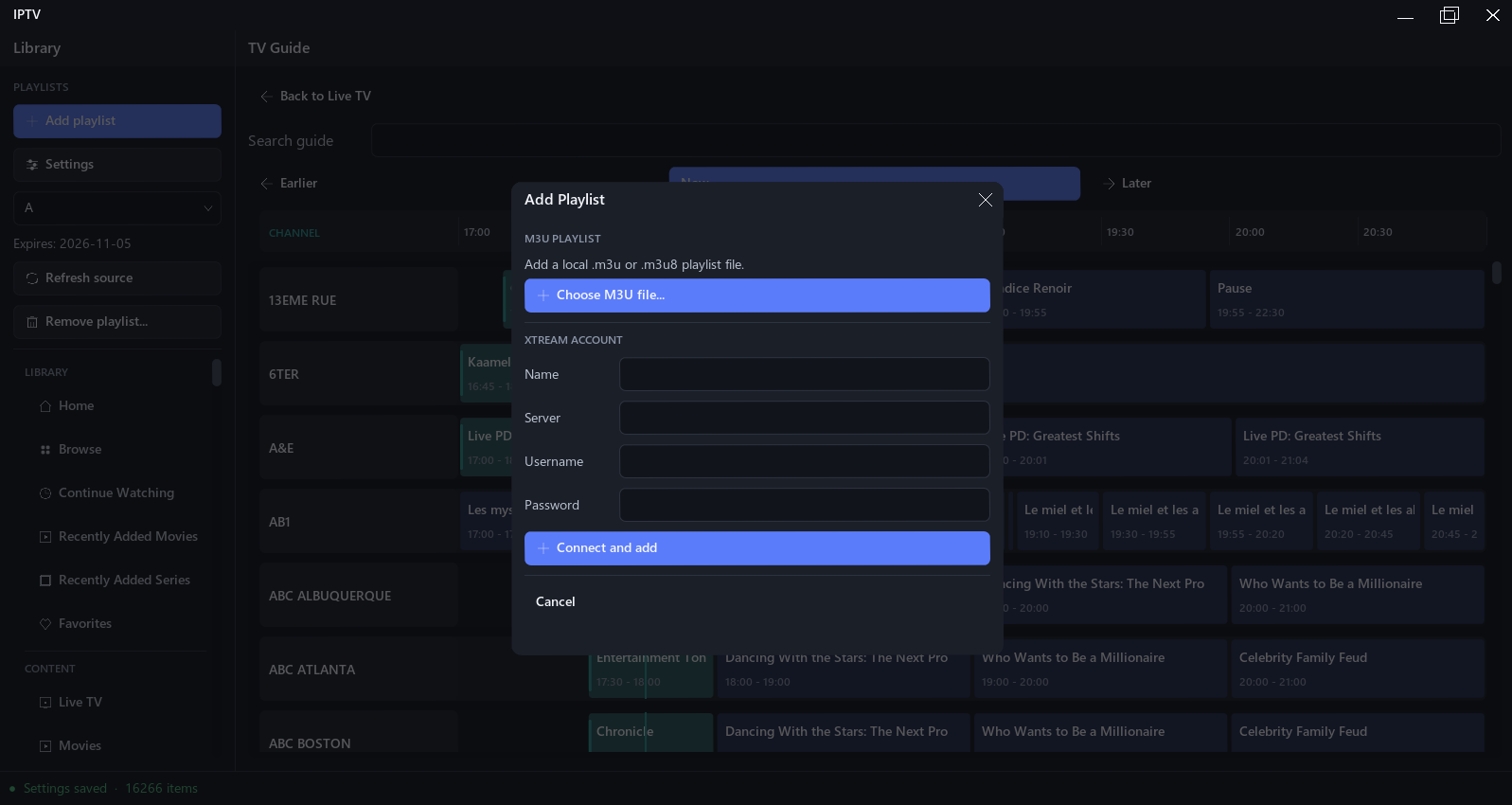
The application supports both M3U playlists and Xtream-compatible services.
IPTV does not provide channels, movies, television shows, subscriptions, or any other media. You must provide your own legitimate IPTV service or playlist.
Native by Design
IPTV is built as a native Windows application rather than a web application packaged for desktop.
There is no Electron runtime or browser-based user interface. The interface and application logic are designed specifically for desktop use, with a focus on fast startup, responsive navigation and efficient browsing.
Large IPTV catalogs are cached locally, helping make subsequent launches and browsing much faster even when a provider contains thousands of channels, movies or episodes.
Native. Fast. No web technologies.
Features
⚡ Fast, Native Interface
Navigate between Live TV, movies, series, your library and other sections instantly through a custom native interface.
📺 Live TV
Browse channels from your IPTV provider and start watching directly from the application.
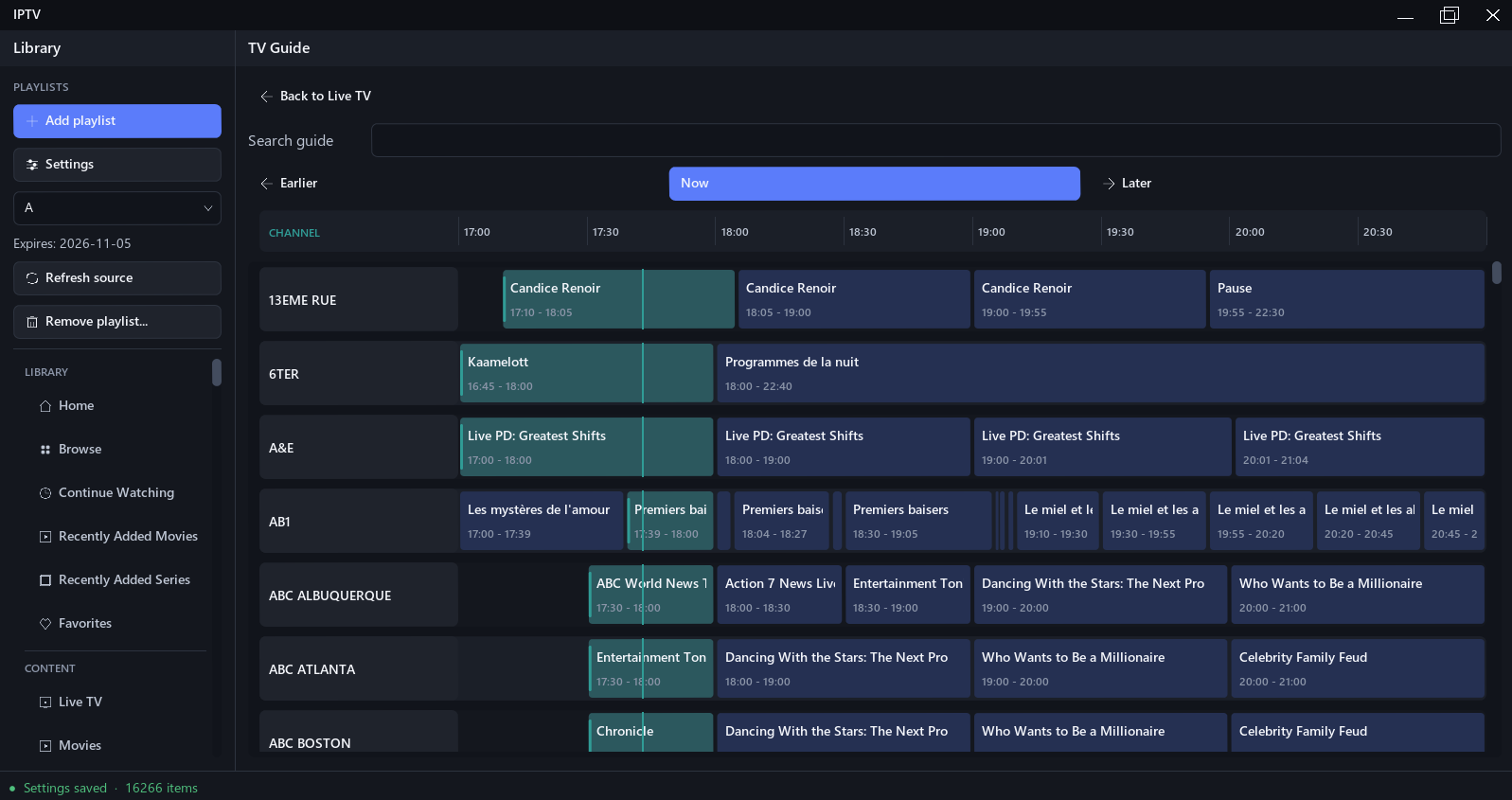
Where program information is available, IPTV integrates EPG data so you can see what's currently airing without switching between applications.
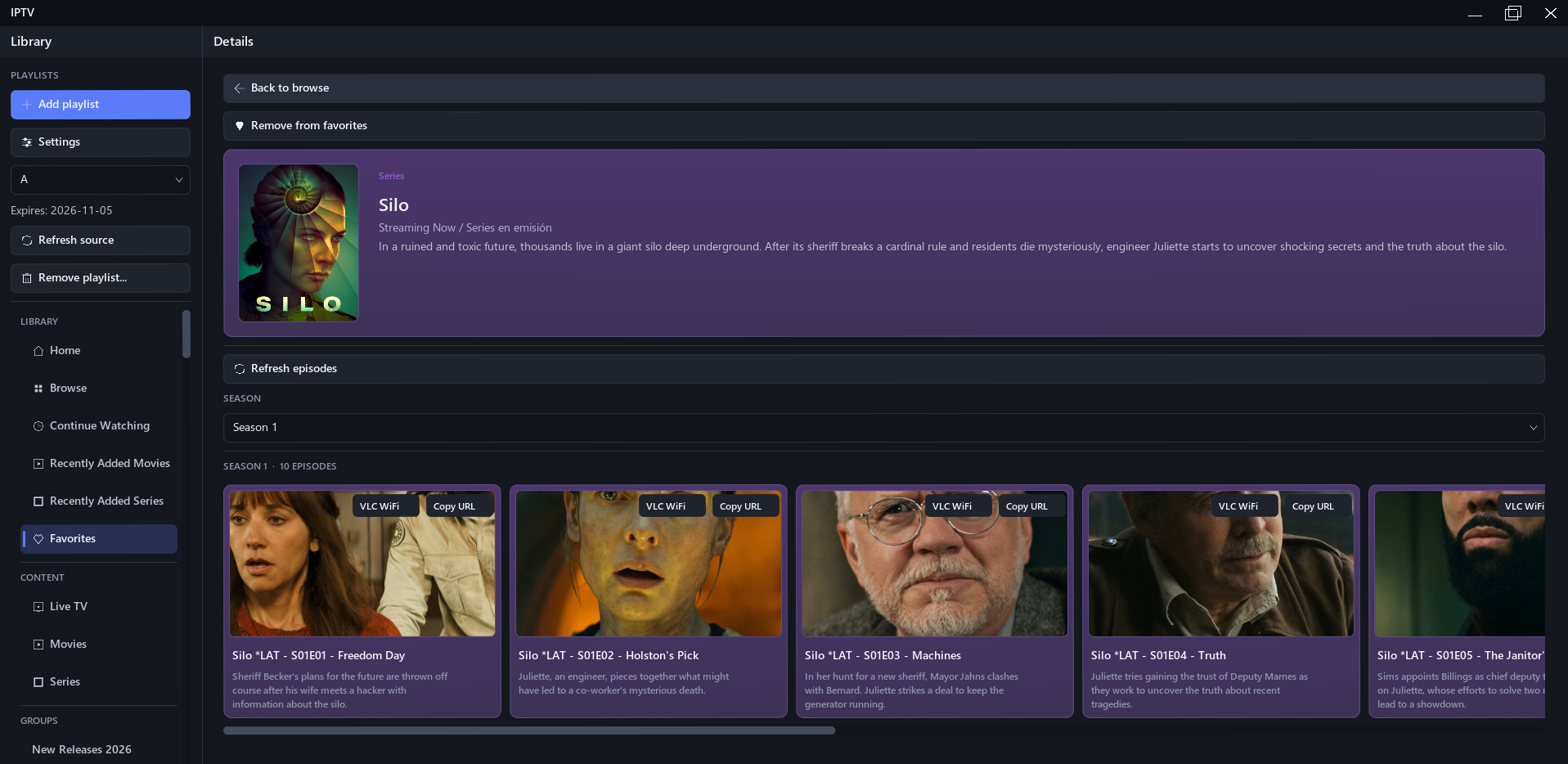
🎬 Movies & Series
Browse movie and television catalogs provided by compatible IPTV services.
Dedicated catalog and details views make it easier to navigate large libraries instead of treating every stream as a simple playlist entry.
📅 Program Guide
View available EPG information for your live channels and quickly move between the guide and playback.
EPG availability and accuracy depend on the information supplied by your IPTV provider.
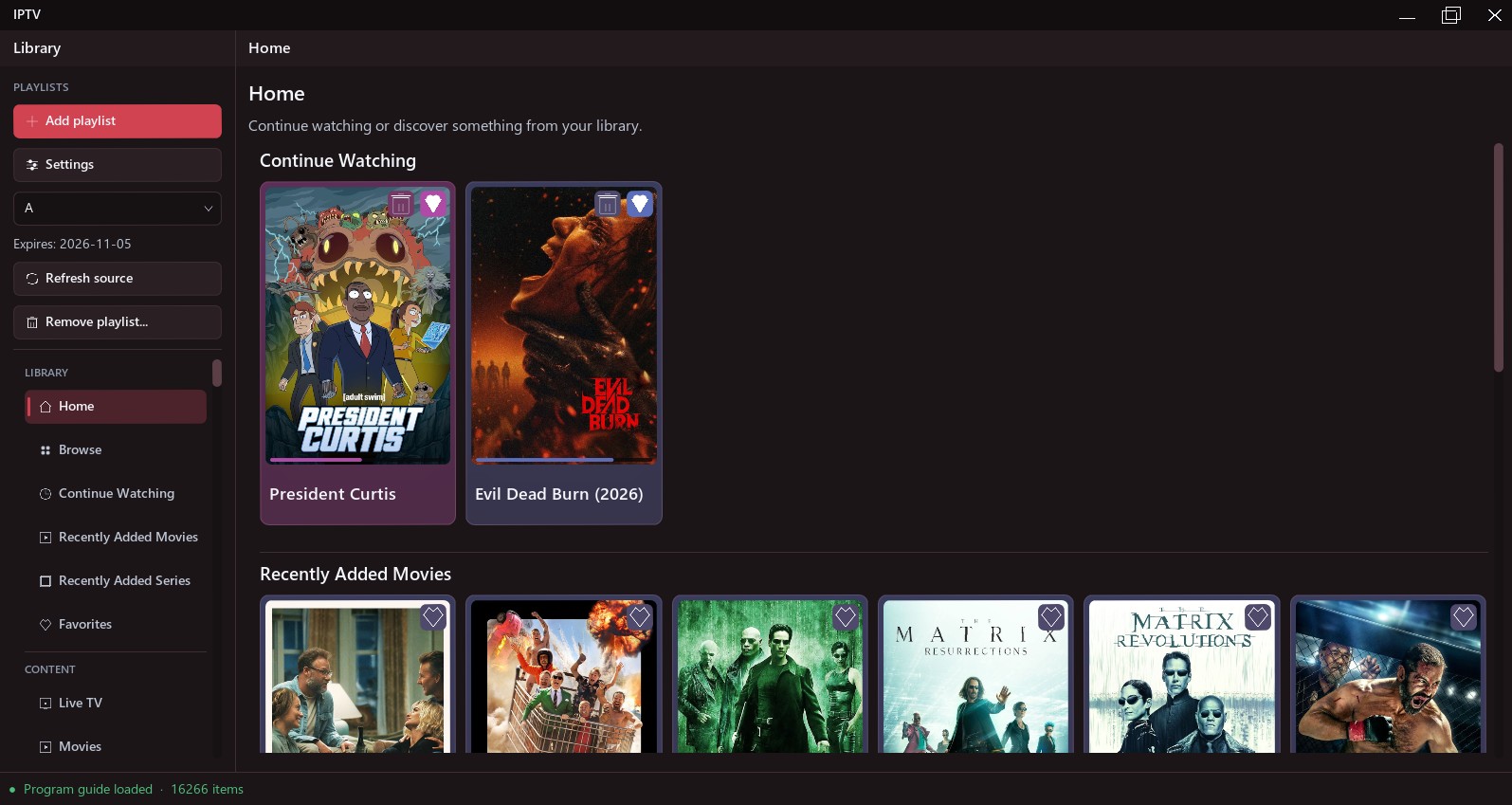
▶️ Continue Watching
Playback progress can be saved so you can return to movies and episodes you haven't finished.
Your recently watched content and playback history are stored locally.
⭐ Favorites
Save supported content to your library for quick access later.
🆕 Recently Added
Quickly find recently added movies and series when that information is available from your provider.
🔊 Audio & Subtitles
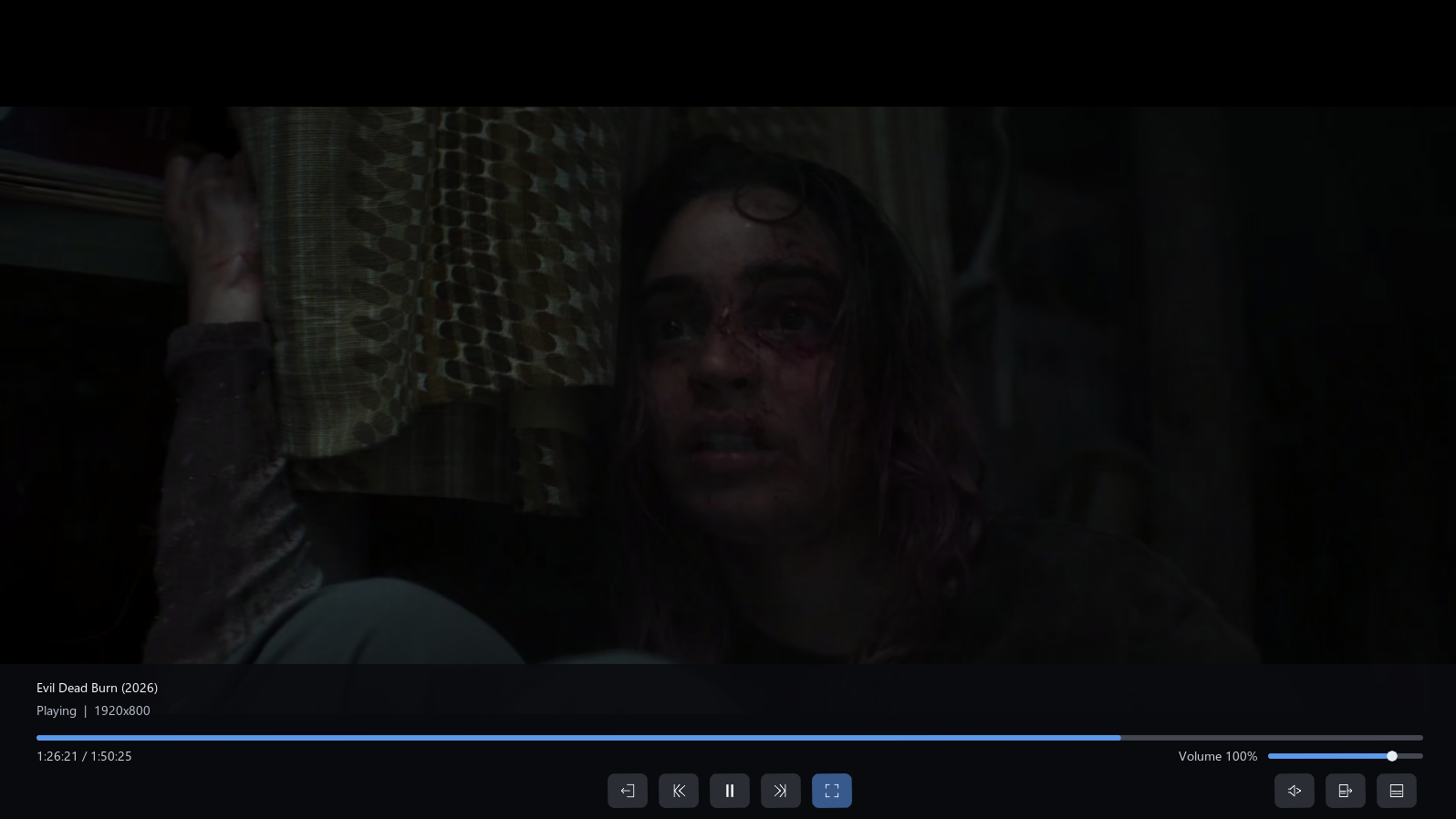
Select available audio and subtitle tracks during playback.
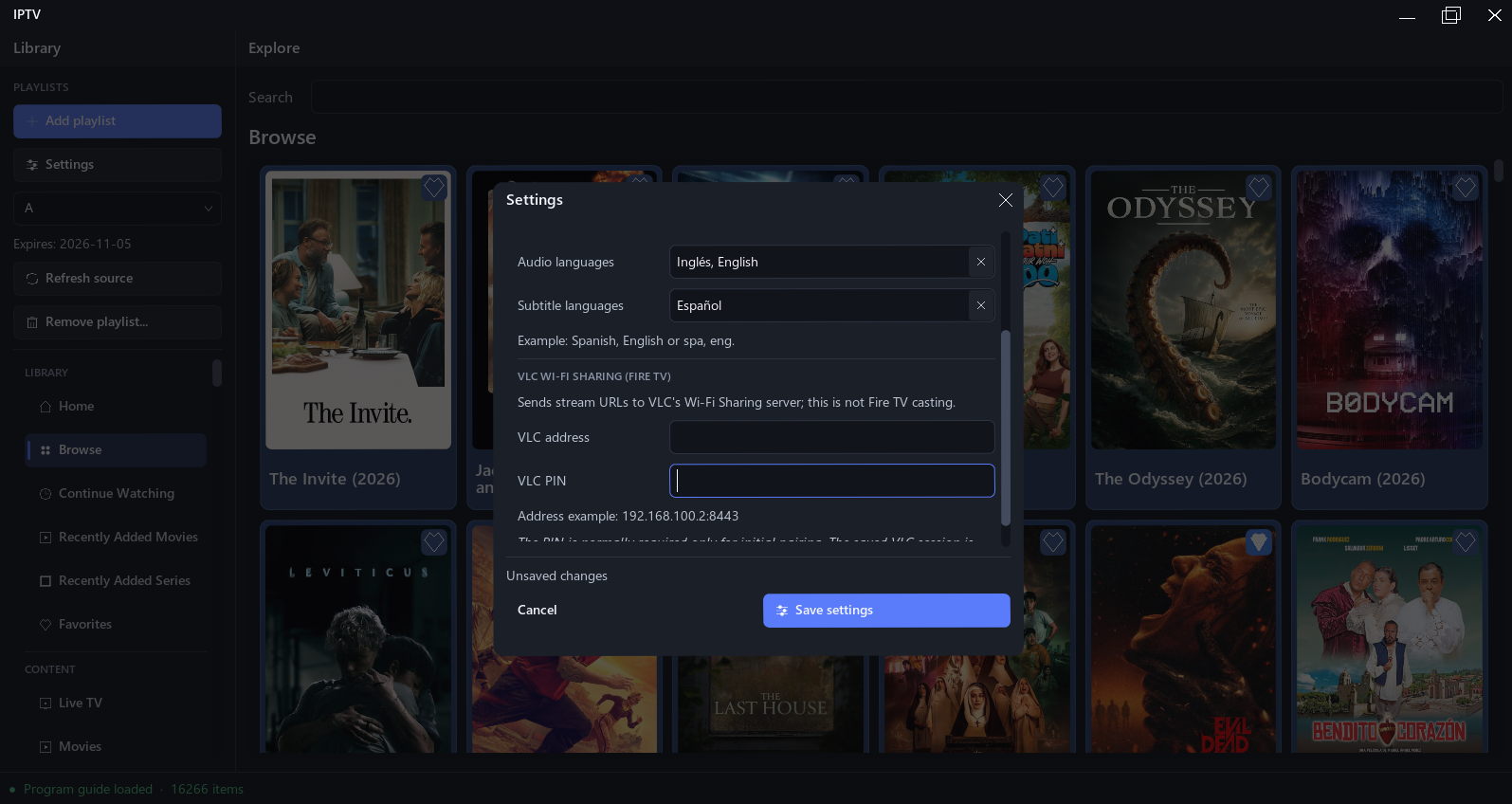
Preferred audio and subtitle languages can also be configured, with subtitle preferences remembered for individual streams where applicable.
🎞️ Integrated Playback
Video playback is integrated directly into the application using LibVLC, so streams play inside IPTV instead of requiring you to manually open them in a separate media player.
📡 VLC WiFi Sharing
Share streams over your local network for playback on another device running VLC.
IPTV can expose the current stream through a lightweight local HTTP server, allowing devices such as a Fire TV running VLC to open and play the stream over WiFi.
Both devices must be connected to the same local network. Compatibility depends on the source stream, network configuration and receiving device.
Supported Sources
IPTV currently supports:
- M3U playlists
- Xtream-compatible IPTV accounts
- EPG data supplied by compatible sources
The channels, categories, metadata, artwork, movies, series, audio tracks, subtitles and program information available inside IPTV depend entirely on your IPTV provider.Requirements
- Windows
- Internet/network connection
- Your own compatible IPTV playlist or service
- A valid subscription where required by your IPTV provider
Your Data
Settings, favorites, playback history, catalog caches and IPTV configuration are stored locally on your computer.
If your IPTV service uses a username and password, treat the application's configuration files as private and do not share them publicly.
Development Status
IPTV is currently in development.
Features, configuration formats and behavior may change between releases. Bugs and compatibility issues are possible while the application is under active development.
If you encounter a problem, feel free to report it. Please include what happened and, when possible, the steps needed to reproduce the issue.
Never post your IPTV username, password, playlist URL or other private account information in a public bug report or comment.
Content & Legal Notice
IPTV is a media player and client application. It does not operate an IPTV service and does not provide, host, sell, redistribute or bundle television channels, movies, series, playlists, subscriptions or other media.
Users are responsible for supplying their own media sources and ensuring they have the rights or authorization necessary to access and view that content.
The developer is not affiliated with IPTV providers whose services may be compatible with the application.
Purchase
In order to download this app you must purchase it at or above the minimum price of $9.99 USD. You will get access to the following files:
Development log
- v0.9.020 hours ago
Leave a comment
Log in with itch.io to leave a comment.